

So much of accessibility is about making your content clear and understandable to a wide range of users. Structuring your content can really help here. Adding headings for each section of text particularly helps with assistive technologies like screen readers. Headers can help organize your content into groups, and show the relationships within your content.
Content Management

🕑Jul 29, 2025 🖋John Locke
💬0
Automating all the things - 24 ideas for things you can automate with your website
Last December I wrote up 24 specific things we've automated on Drupal, and published them as an Advent Calender -- one little nugget each day.


🕑Jan 28, 2025 🖋John Locke
💬0
Ask Freelock: Sortable tables?
Kevin asks,
Is there a Drupal Add On or Widget that would allow users to sort tables as they're displayed on the website?
Hi, Kevin,
Several options here:


🕑Jan 17, 2025 🖋John Locke
💬0
Drupal CMS: Making the easy stuff easy
In the past couple days I've gotten two different questions regarding building functionality out in WordPress. This seems a bit...weird with timing, given that Drupal CMS just launched three days ago!

🕑Jan 14, 2025 🖋John Locke
💬0
🕵️♂️ Privacy for website owners, and introducing 💧 Drupal CMS
January 2025
Happy New Year!
This month we're doing a deep dive into privacy. Privacy for website owners, privacy for you, privacy for the world. To cap it all off, we have a special Privacy Tune-up offer to make sure your privacy policy is accurate and covering your assets...
And if that's not enough, it's a big week for Drupal -- see below for why!

Automatically Geolocate Santa
We've reached the last day of the calendar, and it's time for Santa's visit! Santa has been visiting some famous places all month. With the Geocoder module, Leaflet, a Geofield, and an Address field, you can automatically put each address Santa has visited on the map!
You do need to configure a geocoder source. We're using OpenStreetmap, from the geocoder-php/nominatim-provider.

Automatically moderate comments using AI
When you allow the general Internet to post comments, or any other kind of content, you're inviting spam and abuse. We see far more spam comments than anything relevant or useful -- but when there is something relevant or useful, we want to hear it!
With the AI module and the Events, Conditions, and Actions module, you can set up automatic comment moderation.
Like any use of AI, setting an appropriate prompt is crucial to getting a decent result. Here's the one we're trying out:

Parse out names, addresses, complex fields using AI
We've had several clients working with memberships, who have a single name field with the full name of a person. And then they ask us to build a directory that is sorted by last name. This is a bit hard to do if there's a first name in front of it!
Names don't follow rules very well. Some have apostrophes in them, some have multiple words -- you can't just take the last word of a name and assume that's the last name, because often it just isn't.

Automatically post to Mastodon or other remote APIs
The ECA Helper module provides an action to make an arbitrary HTTP post to any URL. That's all that's necessary to post to Mastodon from Drupal, if you have a Mastodon account. I've been using this functionality to automatically post these advent calendar posts for the past week.

Control access to particular pages, fields with ECA
Drupal has long had a variety of access control modules, to make it so you can easily control who can view or edit particular pages. There are actually several different layers of APIs to control this in Drupal core -- the modules generally provide a user interface to let you control access by content type, by tagging content with particular terms, through their position on a menu, or through a group. The Field Permissions module lets you control access to particular fields on an entity.
Create a deep redirect in a headless site
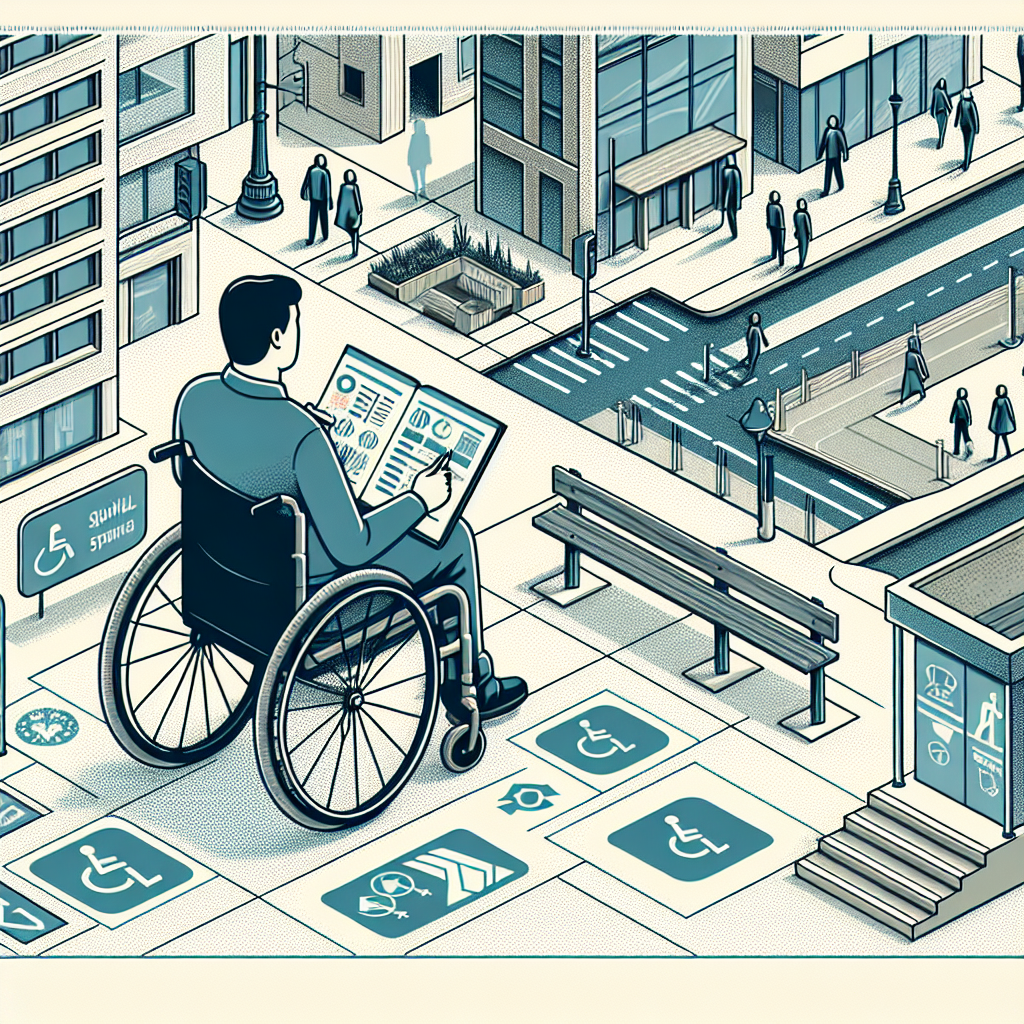
One of our clients has a custom surveying application built with a Drupal back end, and a VueJS/headless front end. They use this application to record observations in various buildings and sites that don't meet accessibility requirements.
They give their clients access to the front end. This application organizes observations into particular sites, in particular projects, grouped by the requirement. Each observation can have photos attached, along with notes and recommended solutions.

Use AI to write alt text for your images
Hot off the presses! A brand new module, AI Image Alt Text, uses your configured AI engine to write Alt text for your images, based on AI vision models. When you turn this on, you get a "Generate with AI" button next to image fields, where you can easily get AI to analyze your image and come up with alternative text.
With some quick tests, I'm finding it's describing the image better than I typically do.