
If you have a lot of content, finding something specific can be a challenge for your users. For accessibility, this guideline was created to support people that have different ways of thinking or finding things -- but I find this useful in all sorts of contexts. Strong navigation implies structure on your site, structure that can help people find what they are after.
The WCAG standard
2.4.5 Multiple Ways - More than one way is available to locate a web page within a set of web pages except where the web page is the result of, or a step in, a process.
What ways can you navigate a site?
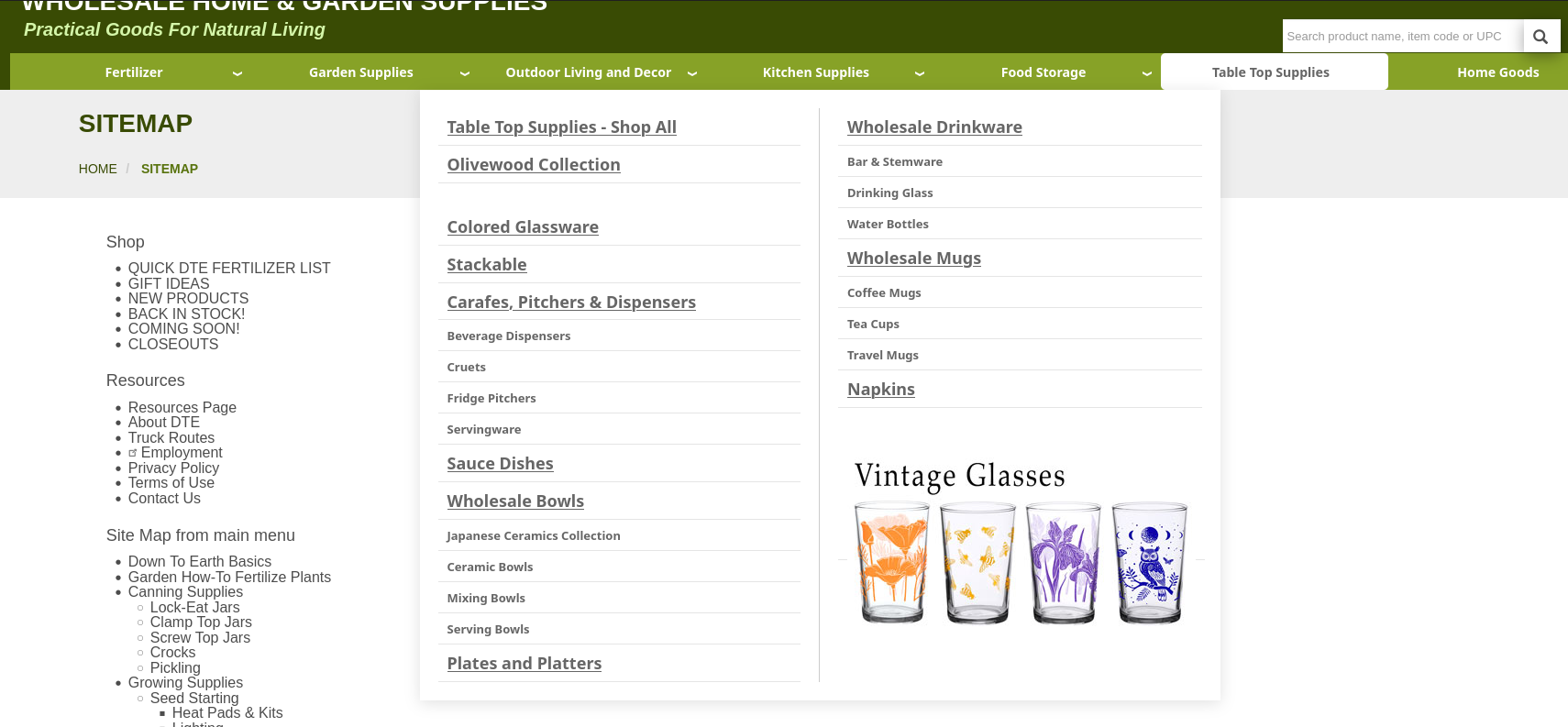
The obvious navigation for a website is a menu of some sort, a set of links to other pages. Sites with a lot of pages often have dropdown menus to reach secondary pages -- and often this is still not enough.
Search is another common way to move through a site, and is pretty essential on large sites. Having good search can make a huge difference for people coming to your site with a goal.
Other ways of navigating a site include:
- A sitemap - a page that shows the major pages on your site -- this can be a quick way to find a site section, particularly combined with a search on the page (Ctrl-F to find text on a page).
- Breadcrumbs - if your content is structured into sections or categories, having breadcrumbs can be a great way to move "up" the hierarchy -- and just having them on the page helps your visitors better understand your site's structure.
- Related links - these can help visitors find other content that might be more appropriate.
- Sequences of links - if some content builds on others, organizing it into a "book" can provide a table of contents, and previous/next links to browse through it sequentially.
What are the exceptions?
Simple sites should have most of their content in the navigation -- but some pages don't make sense for this. A "Thank you" page after a user submits a form, for example, or a search results page, or pages that are part of an e-commerce checkout flow. Error pages also don't need to be on your menu.
Most of these guidelines seem obvious when you think about them -- and a content management system like Drupal or WordPress tends to guide you into these as best practices -- but even there, be thoughtful about how you design these.
Dropdown menus in particular can cause issues -- on mobile devices, sites with lots of content may not show enough context on the screen to help users navigate. Try to make sure the links in your dropdowns are also available on other pages in that section.
Keep your users' goals in mind, and help them reach the content they want or need in multiple ways, and your site will be a lot more effective for everyone!

Add new comment